 Proudly Canadian-owned companyGet reviews in just 3 seconds!30-Day Money-Back GuaranteeOne-time payment – No monthly fees Proudly Canadian-owned companyGet reviews in just 3 seconds!30-Day Money-Back GuaranteeOne-time payment – No monthly fees Proudly Canadian-owned company

The Google review plaque for auto repair shops, made for the service counter
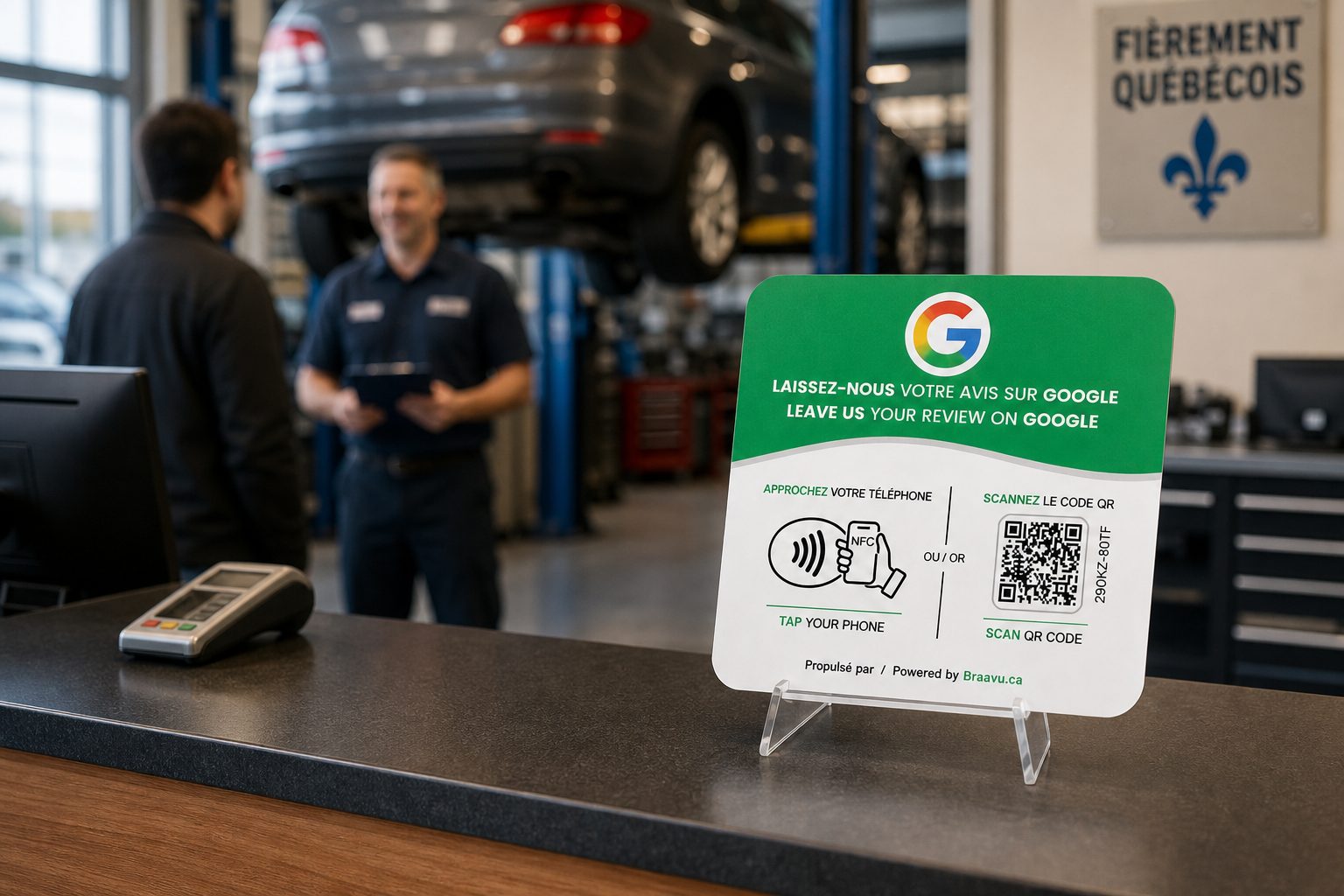
Drivers read a shop's Google reviews before they ever call. Set the plaque beside your payment terminal, and the customer who just heard you explain the invoice can say so on Google before they reach their car.
Order my plaque- No subscription — pay once
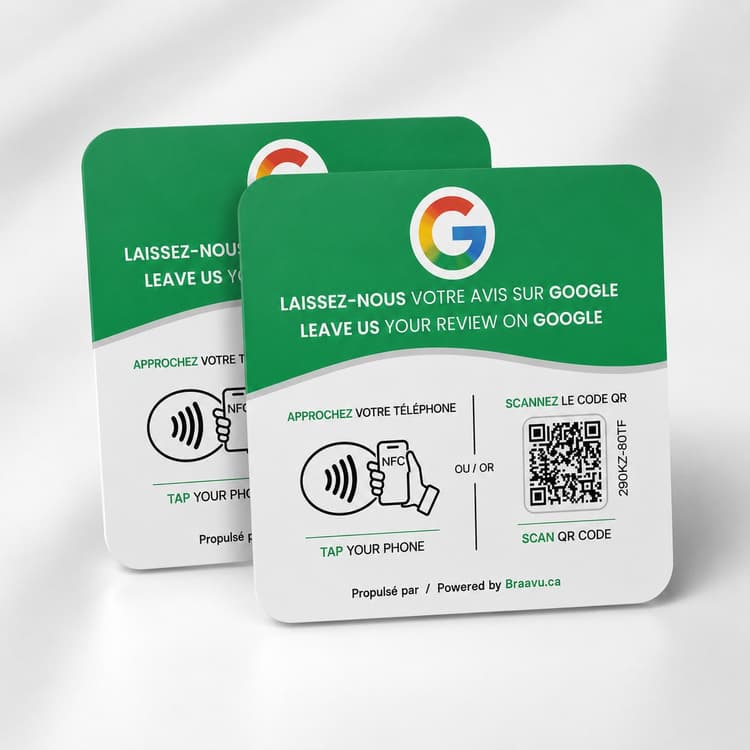
- NFC + QR code: works with every recent phone
- 2-minute setup, no app required
A driver with a warning light on the dash reads your Google reviews before calling, and a thin or stale listing sends them to the next shop on the map.
Your service advisor is juggling the phone, the next drop-off and a key fob on the counter, so asking for a review is the first thing to go.
The customer who thanked you for explaining every line of the invoice drives off, and by the next oil change that moment is long gone.
How it works
On the service counter
The plaque sits beside the payment terminal where the invoice gets signed, within reach and well away from the shop floor.
Tap or scan at pickup
While the card goes through, the customer taps the plaque with their phone or scans the QR code with the camera.
Google's review page opens
Your shop's Google review page opens on their screen with nothing to install, and they can finish writing it from the parking lot or once they're home.
Where and when it works in an auto repair shop
Next to the terminal, not the toolbox
Keep it on the service desk, between the terminal and the spot where you lay out the invoice. If customers wait in the shop for oil changes or tire swaps, a second plaque by the waiting-room coffee machine works too.
Right after the invoice walkthrough
Point it out once you've gone over the work and the keys are back in their hand. During the tire-change rush, when the lineup is long, it still fits because the ask takes no longer than the payment.
What your advisor can say
"Your car's all set. While the payment goes through, could you leave us a Google review? Just tap your phone on the plaque."
The kind of review the plaque collects
“Honest service, price matched the quote, car ready on time. Scanned the plaque while paying.”
In auto repair, the reviews that reassure a nervous stranger mention a fair bill and a clear explanation. The best time to get one is while the customer is still holding the invoice.
Pick your pack
No subscription. 2-minute setup. Ships across Canada and the US.
Frequently asked questions
Our service counter collects greasy fingerprints all day. Will the plaque hold up?
Yes. It's rigid, has no screen and no battery, and wipes clean with a damp cloth whenever you wipe down the counter.
A lot of my customers aren't phone people. Will they figure it out?
On a recent iPhone or Android phone, they just tap the plaque. Anyone else points the phone camera at the QR code. There's no app to install.
There's no free outlet at my service desk and the wifi barely reaches the bays. Is that a problem?
No. The plaque needs no power, no wiring and no wifi. The customer's phone uses its own connection to open your Google review page.
If we move or switch Google listings, do I need new plaques? And can it point to our booking page instead?
You pick your Google listing in the Braavu dashboard, and changing it updates every active plaque at that location with no reprint. The plaque only opens your Google review page, not a booking page, Facebook or Instagram.
I have several service advisors, or more than one shop. How many plaques do I need?
The usual setup is one plaque per counter where customers pay, so advisors who share a desk share the plaque. Packs of 1, 2 or 5 cover that, each location links to its own Google listing, and setup takes about 2 minutes.
Want the full playbook for auto repair shops, from placement to the counter script? Read our guide: The Google Review Sign for Auto Repair Shops: A 2026 Guide