 Proudly Canadian-owned companyGet reviews in just 3 seconds!30-Day Money-Back GuaranteeOne-time payment – No monthly fees Proudly Canadian-owned companyGet reviews in just 3 seconds!30-Day Money-Back GuaranteeOne-time payment – No monthly fees Proudly Canadian-owned company

Google review plaque for restaurants, right where the bill lands
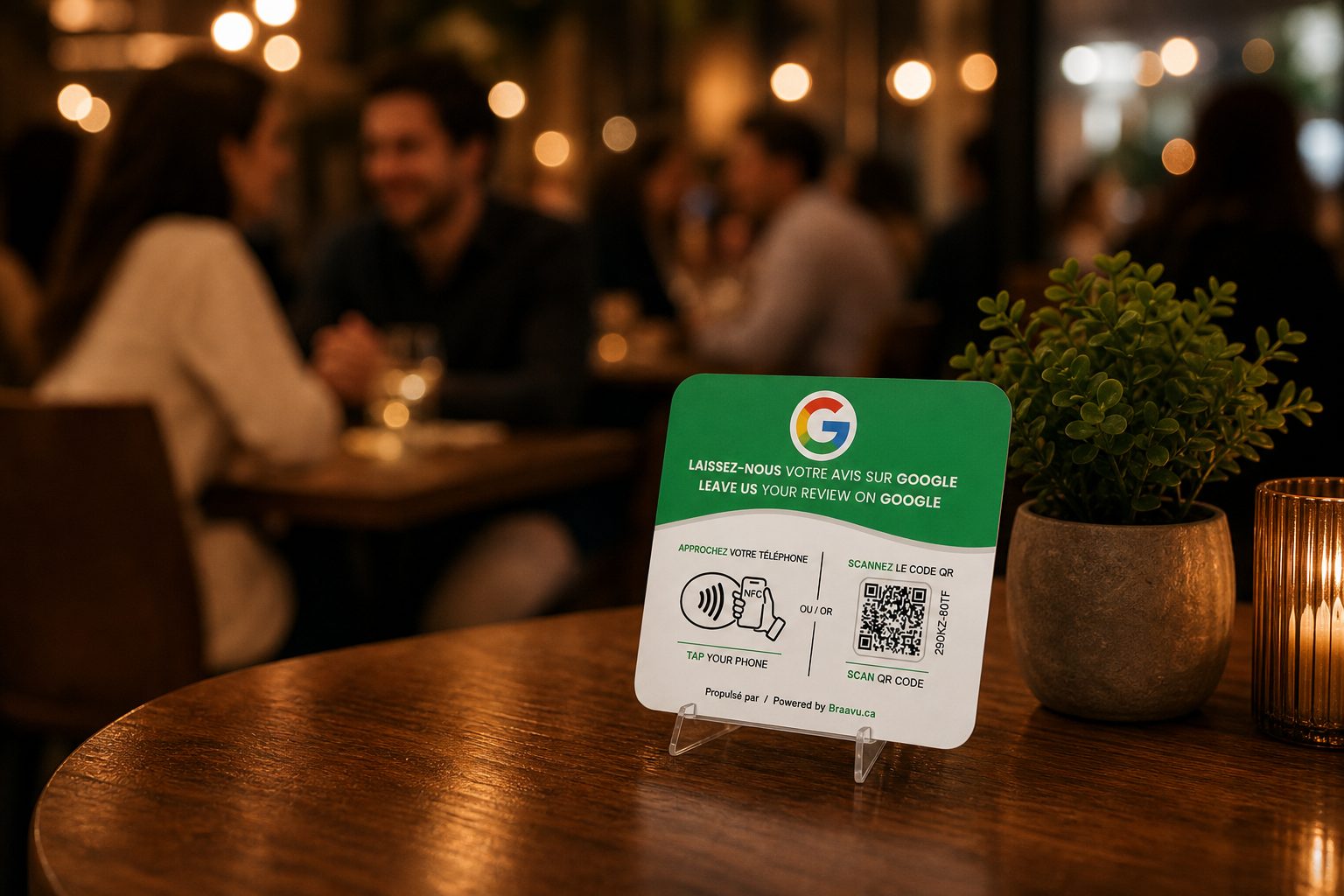
Your guests make up their minds about the meal somewhere between dessert and the card terminal. Set a Braavu plaque on the table or at the host stand, and a tap or a scan opens your Google review page before they reach for their coats.
Order my plaque- No subscription — pay once
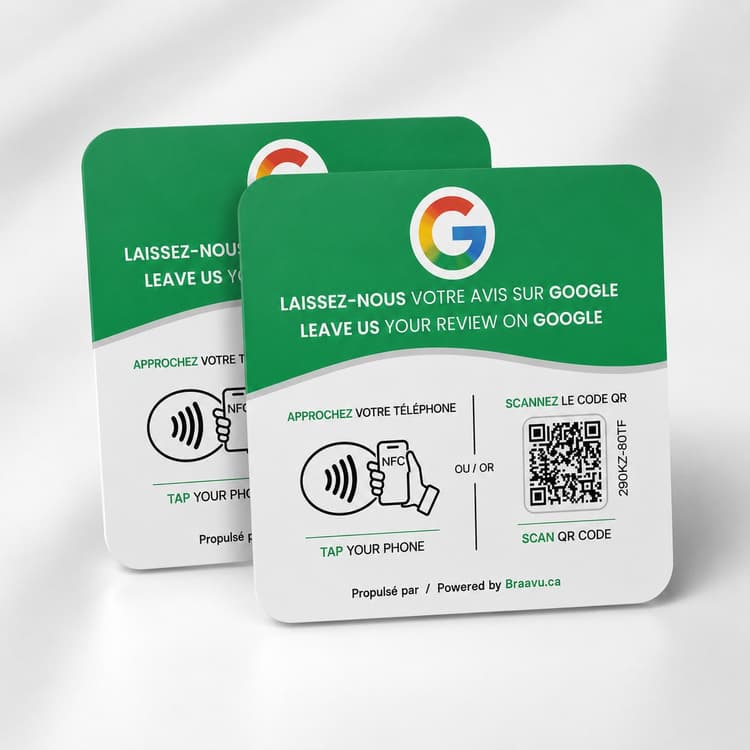
- NFC + QR code: works with every recent phone
- 2-minute setup, no app required
Before deciding where to eat tonight, people compare your star rating and your latest reviews on Google Maps, long before they open your menu.
On a full Friday night your servers are carrying plates, running cards and resetting tables: nobody has a spare minute to explain how to find your Google listing.
Once a table has paid and is heading to the car, the review they meant to write about your braised short rib almost never gets written.
How it works
Set it where guests sit
Stand a plaque on the table, at the host stand or on the takeout counter: no cord, no battery, nothing to plug in next to the coffee station.
A tap while they settle up
While they wait for the card terminal or their change, the guest taps the plaque with their phone or scans the QR code with the camera.
They rate the meal
Your restaurant's Google review page comes up right away, so they can rate the meal and type a few words before they stand up.
Where and when it works in a restaurant
The best spots
The tables in your busiest sections, the host stand where people wait to be seated, and the counter where takeout orders are handed over.
The moment to mention it
When the server sets down the bill or the card terminal. The guest is still seated, the phone is already out, and nobody at the table is in a hurry yet.
What your server can say
The same words at every table, whatever kind of night it was: “If you have a second while you settle up, tap your phone here and tell Google how tonight went. It really helps us.”
The kind of review the plaque collects
“What a great evening! We scanned the plaque on the table while waiting for the bill.”
When a family is choosing where to go for Sunday brunch, a page of recent reviews that talk about your dishes and your service is often what tips the decision.
Pick your pack
No subscription. 2-minute setup. Ships across Canada and the US.
Frequently asked questions
One plaque per table, or just at the host stand?
Start where every guest passes: the host stand, or the register if people pay at the front. If your servers bring the bill to the table, add plaques to the tables in your busiest sections; the 2 and 5-plaque packs are there for that, and every server uses the same plaques.
Will it survive a dinner rush, and does it need an outlet or wifi?
It's rigid and wipes clean with the same cloth you use on the tables after a spill. There's no battery or wiring inside, and it needs no wifi or outlet: the guest's phone does the work.
What about guests whose phone doesn't do NFC?
Recent iPhone and Android phones open your review page with a tap. Any other phone can scan the QR code with its camera, and nobody has to download an app at the table.
We have two locations. Will each plaque send guests to the right one?
Yes. In the Braavu dashboard you pick the Google listing for each location, and its plaques open that listing's review page. If a location moves or changes listing, update it there and every active plaque at that location follows, with no reprint.
Can it open our menu or our Instagram instead?
No. The plaque only opens the Google review page of the listing you chose. Keep your menu QR code on its own card so guests never mix the two up.
For more on placement and on how your servers can ask, read our restaurant guide: The Google Review Stand for Restaurants: Where to Place It and What to Say